
Connect Gmail to Raysly
Connect Gmail to Raysly from Integrations. This guide covers what the connection does today and what stays in Gmail.
Last updated
Connect Gmail to Raysly from Integrations. Raysly sends customer e-mails from your Gmail or Google Workspace address. It cannot read your mailbox.
This guide says exactly what the Gmail connection does today. Raysly does not read more than the connection asks for.
Before you start
- Sign in to Raysly as the account owner or an admin. Only owners and admins can connect or disconnect an integration.
- Have the Gmail account that should be linked to Raysly.
Connect
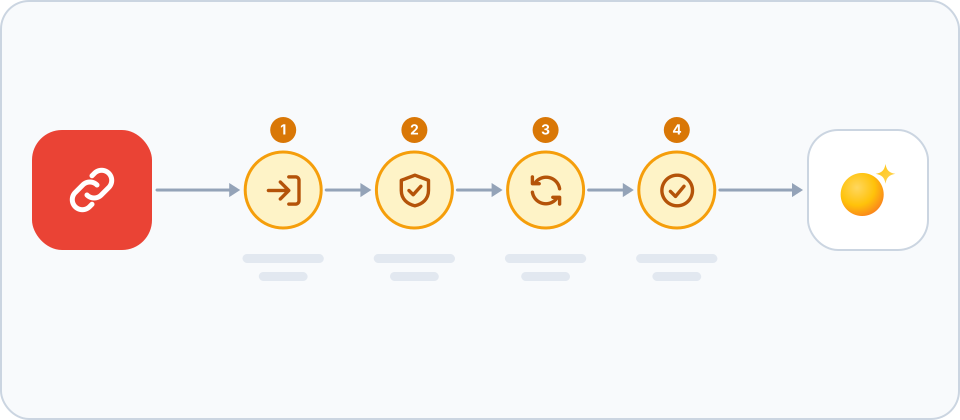
- Open the Gmail tile. In Raysly open Settings → Integrations. Find the Gmail tile with the search box or the E-mail filter, and click Connect on the tile. A details panel opens. Click Connect in the panel to go to Gmail.
- Approve Gmail. Sign in to Google and approve send-only access. Google sending limits of that account still apply.
- Check the connection. Raysly brings you back to Integrations and shows a green confirmation banner. The tile now says Connected, and the details panel shows which account it is connected as. The tile shows Gmail as connected. Offers and confirmations can leave from that address.
- Know what the connection does. Raysly sends customer e-mails from your Gmail or Google Workspace address. It cannot read your mailbox.
Disconnect
In Settings → Integrations open the Gmail tile and click Disconnect, then confirm. Raysly marks the connection as revoked and stops using it. Mail already sent stays in the recipient mailbox and in Gmail sent mail.
Raysly's authorisation can stay listed at Gmail after you disconnect. To remove it there as well, remove Raysly in the Google Account connected-apps list.
Frequently asked questions
Who can connect or disconnect?
Only the account owner and admins. Other team members can use what is connected but cannot change it.
The connection to Gmail did not finish. What now?
Raysly shows a red notice at the top of Integrations that starts with "We couldn't complete the connection" and gives a short reason. Click Dismiss and click Connect again. Nothing is connected until you approve the request at Gmail. Still stuck? Email support@raysly.com and tell us the platform, what you clicked and what you saw.
What does Raysly send to Gmail?
The e-mails you ask Raysly to send. Raysly never reads messages already in Gmail.
More for Gmail
Connect more tools to Raysly
- Connect Xero to Raysly
- Connect QuickBooks Online to Raysly
- Connect Zoho Books to Raysly
- Connect Google Calendar to Raysly
- Connect Microsoft 365 Calendar to Raysly
- Connect Google Drive to Raysly
- Connect OneDrive to Raysly
- Connect Dropbox to Raysly
- Connect Amazon S3 to Raysly
- Connect Google Analytics 4 to Raysly
- Connect your Facebook Page to Raysly
- Connect Instagram Business to Raysly
- Connect your LinkedIn Company Page to Raysly
- Connect your X account to Raysly
- Connect SharePoint to Raysly
- Connect bexio to Raysly
- Connect Calendly to Raysly
- Connect Outlook to Raysly
- Connect SMTP to Raysly
- Connect Slack to Raysly
- Connect Notion to Raysly
- Connect ClickUp to Raysly
- Connect Trello to Raysly
- Connect Canva to Raysly
- Connect Zendesk to Raysly
- Use Investment Returns in Raysly
- Use Financing in Raysly
- Use the System diagram in Raysly