
Install Raysly on Wix
Connect your Wix site to Raysly: approve the Raysly app, let Raysly read your Wix Stores products and add the Get instant offer form to your pages.
Last updated
Keep your Wix site and add Raysly instant offers and lead capture to your pages, priced from your Wix Stores catalogue. Your site, Wix Stores products and checkout stay on Wix.
This connector is in beta. Raysly keeps issuing offers and invoices as it does today; invoicing pass-through stays off while the connector is in beta.
Before you start
- You need a Raysly account. If you do not have one yet, create a Raysly account first.
- Sign in to Raysly as the account owner or an admin.
- Know your Wix site address (your connected domain or the wixsite.com address). You add it to Raysly in step 2.
- Wix Stores is optional. Without it the connection still works for the offer form and lead capture; it just has no products to import.
Install and connect
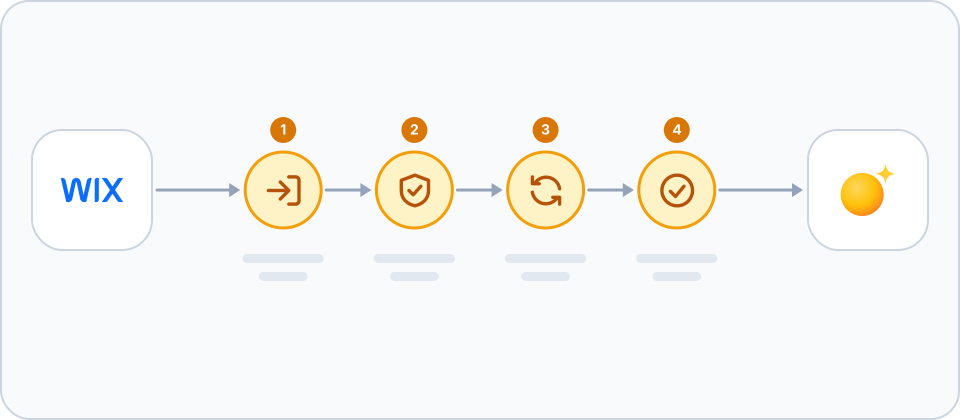
- Click Connect with Wix. In Raysly open Settings → Integrations, find the Wix card and click Connect with Wix. Sign in to Wix when asked, pick the site and approve the Raysly app. You come straight back to Raysly; there are no keys to copy.
- Allow your Wix site to show the widget. Add your Wix site address under Settings → Website widget. Raysly then adds the offer widget to your site automatically. Without it, nothing is added to your pages.
- Check your products. Raysly imports your Wix Stores products, prices and stock and keeps them up to date. If the site has no Wix Stores, the connection still works for the widget and lead capture.
- Choose what Raysly does. On the Wix card you can switch the capabilities Raysly offers for the store, such as catalogue sync. The user guide explains which ones are active today.
Adding the app from the Wix App Market
If you add the Raysly app from the Wix App Market instead of starting in Raysly, Raysly asks you to sign in (or sign up) and confirm which Wix site to connect, or asks you to come back to Raysly and click Connect with Wix. Nothing is linked to your Raysly account until you confirm there.
What the Raysly app asks for
- Required: Wix Stores, read: products, prices, images and stock for your offers.
- Required: Site and app instance, read: the site name, address and currency.
- Optional: Site and business details, read only: business name, contact e-mail and phone, address, language and time zone, used only to prefill your Raysly account. If you install before you have a Raysly account, they are held encrypted for at most 24 hours until you finish signing up, then deleted. Without it you type them yourself.
- Optional: Tax regions, read only: to know whether your prices include tax. Without it prices are not shown on offers.
- Optional: Embedded scripts: add and switch off the Raysly widget script. Without it the widget is not added automatically.
If you remove the app
- Removing the app on Wix tells Raysly straight away: access is revoked, the stored tokens are deleted and syncing stops. Wix removes the embedded script with the app.
- Products already imported stay in Raysly until you remove them: disconnect the site from its card and tick "Also permanently remove all synced products" in the disconnect dialog.
Frequently asked questions
Do I need a Raysly account first?
Yes. Raysly connects a store to your Raysly account, so you create the account first and then connect the store. Create a Raysly account if you do not have one.
The form does not show on my Wix site. Why?
Check that your Wix site address is on the list under Settings → Website widget. Raysly only adds the widget to sites on that list. Also check that you approved the embedded scripts permission; without it the widget is not added automatically.
Why are my Wix prices not shown on offers?
Offers only use your Wix prices once Raysly knows whether they include tax, read from your Wix tax regions. If Wix does not say, or your regions differ, prices are not shown on offers.
Does Raysly change or take over my store orders?
No. Your products, checkout and invoicing stay on your store. Raysly does not import order history.
How many stores can I connect?
It depends on your Raysly plan. If you reach the limit, Raysly tells you when you try to connect another store; disconnect a store you no longer use or move to a plan that allows more.
Where can I get more help?
Still stuck? Email support@raysly.com and tell us the platform, what you clicked and what you saw.